- The Launch to Scale Newsletter
- Posts
- I Hacked Amazon for Free Traffic (No Ads, No Joke)
I Hacked Amazon for Free Traffic (No Ads, No Joke)
I posted a pic, made some sales, and never spent a dime. Here’s how you can copy it.

Andy Splichal
January 16, 2026
Let me take you back to the week I launched my second private label product — a set of silicone toddler plates.
I was running lean.
No big PPC budget.
No influencer deals.
Just a tight ad budget and a prayer.
But I stumbled across something that changed the game for me—and it’s STILL a secret weapon for savvy sellers...
Amazon Posts.
And yep, they’re still free.
📖 The Day I Beat PPC With a Social Post
It was a Tuesday night. Kids were asleep, and I was knee-deep in listing optimization.
Then I remembered hearing someone in a Facebook group say, “Amazon Posts are like free Instagram ads, but on Amazon.”
So I clicked over to the Manage Your Experiments dashboard and found the Posts tab.
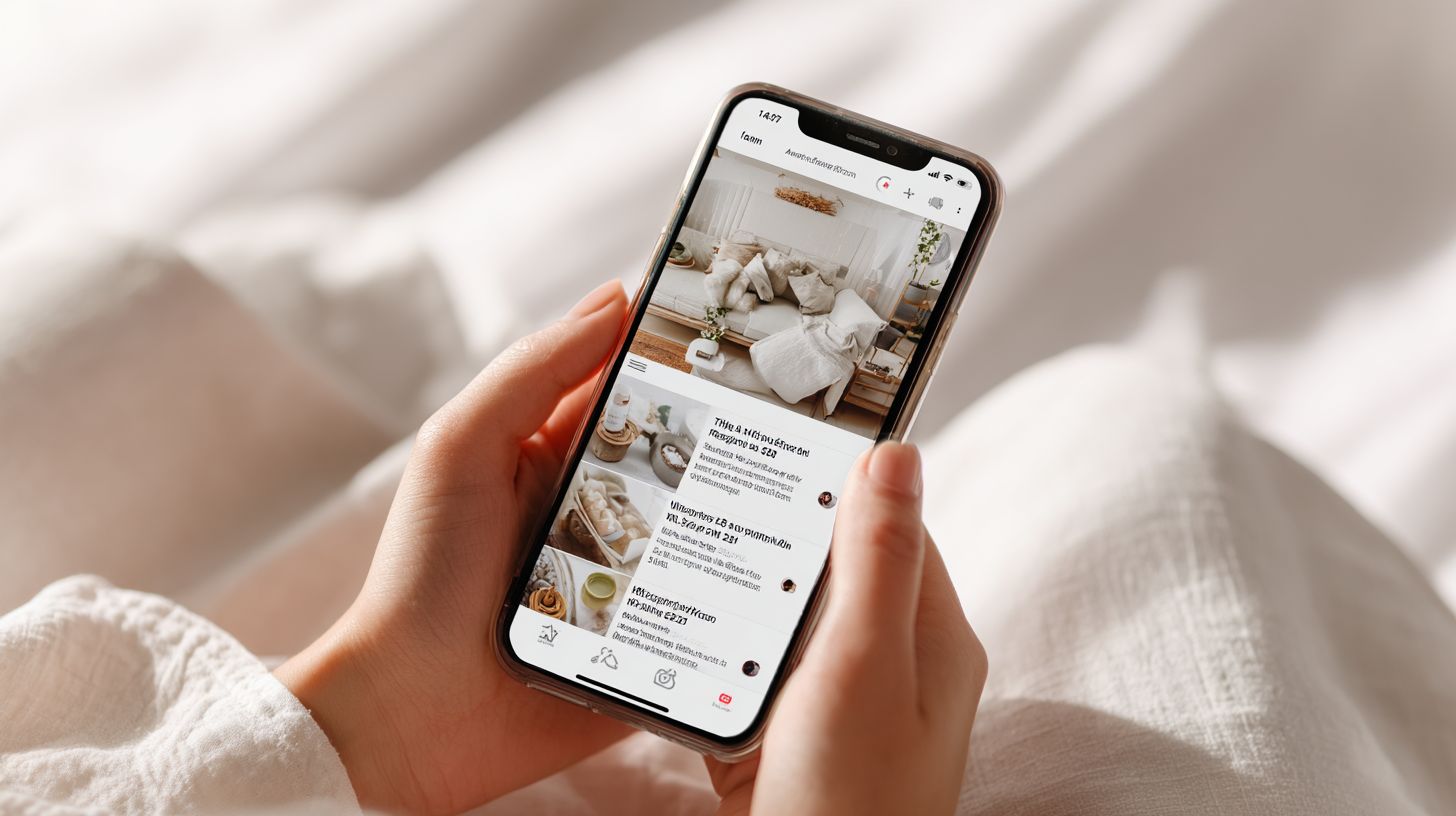
Amazon Posts are basically your product’s social media feed—but right inside Amazon. Think mini Instagram posts that show up on competitor listings, brand pages, and even the “related posts” carousel.
I uploaded a simple lifestyle image of a smiling toddler using our plate, wrote a short caption:
“Mess-free mealtime with our BPA-free silicone plates 🍽️ Less cleanup. More smiles.”
I hit post. No expectations.
By Friday, I checked my stats:
1,047 impressions
93 clicks
6 orders
All FREE.
🎯 And better yet? Those clicks were warm traffic—they were already shopping on Amazon.
🔢 Step-by-Step: How to Use Amazon Posts in Your Launch (Even Today)
Here’s how you can do it, too. Whether you’re launching your first or fifth product, this still works:
1. Set Up Brand Registry (You’ll Need This First)
If you're not enrolled in Brand Registry yet, that's step zero. Amazon Posts is only available to registered brands.
2. Go to Amazon Posts
Login to your Seller Central → Open Posts Manager (or search for “Posts” in the help bar).
3. Upload Content Like You Would on Social Media
Use lifestyle photos, infographics, or real customer images. Your caption should be short, benefit-driven, and authentic. Think “real talk,” not hype.
4. Post 3–5x Per Week During Launch Week
Rotate through angles:
Features (“100% leak-proof lid”)
Benefits (“No more soggy cereal on the go”)
Use cases (“Perfect for daycare drop-off”)
Social proof (“Moms are loving this!”)
5. Track the Free Clicks & Orders
Amazon gives you impressions, clicks, and engagement stats per post. Compare this with your PPC to see what converts better (spoiler: sometimes it’s Posts).
🎯 Big Takeaway: Free Traffic Still Exists—If You’re Willing to Show Up
Look, launching a product on Amazon today isn’t easy.
You’ve got rising ad costs, endless competition, and enough acronyms to make your head spin.
But Amazon Posts is one of those rare tools that:
Costs $0
Takes <10 minutes per post
Drives real traffic from within Amazon
If you're not using Posts during your launch, you're leaving free traffic (and orders) on the table.
💬 Say It With Me: “If it’s free, it’s for me!”
🙋♂️ Been there? Tried Posts? Got a win or a flop? Comment below—I read every one 👇
✍️ Until next time, keep it simple and keep it scrappy.
Andy Splichal
Founder & Managing Partner of True Online Presence & Author of the Make Each Click Count Book Series
P.S. If you're tired of wasting money on ads that don’t convert — and you're ready to take your Amazon PPC from “meh” to money machine — let’s chat. I offer done-for-you ad management that actually works (no fluff, just ROI). 📅 Click here to book a call with me — let’s scale this thing 🚀
P.S. Want a fast way to increase your Amazon sales? Take a look at my new software, Persona Factor, that uses your product reviews to optimize your product titles and descriptions.